Link Healthcare

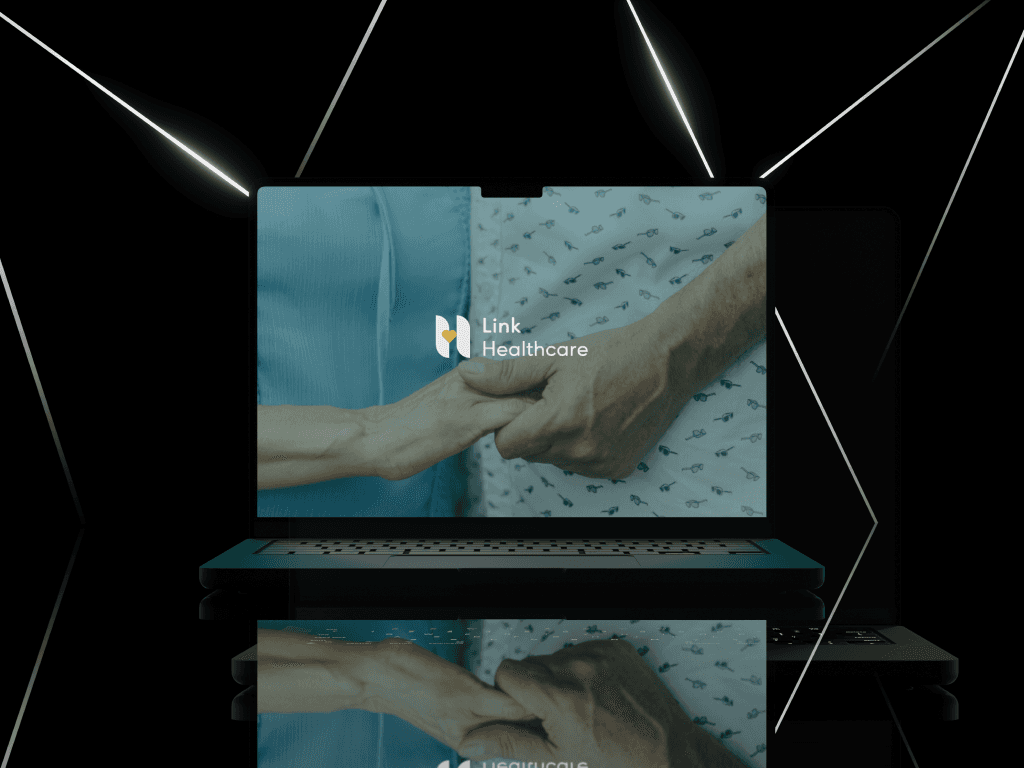
Link Healthcare brings hospital-level care right to your home. From 24/7 nursing care and virtual doctor visits to remote monitoring and specialized services

Role

UX/UI Designer

Industry

Health

Duration

Long trem project
a cell phone on a bench

Stage 1. Discovery & Requirement Analysis

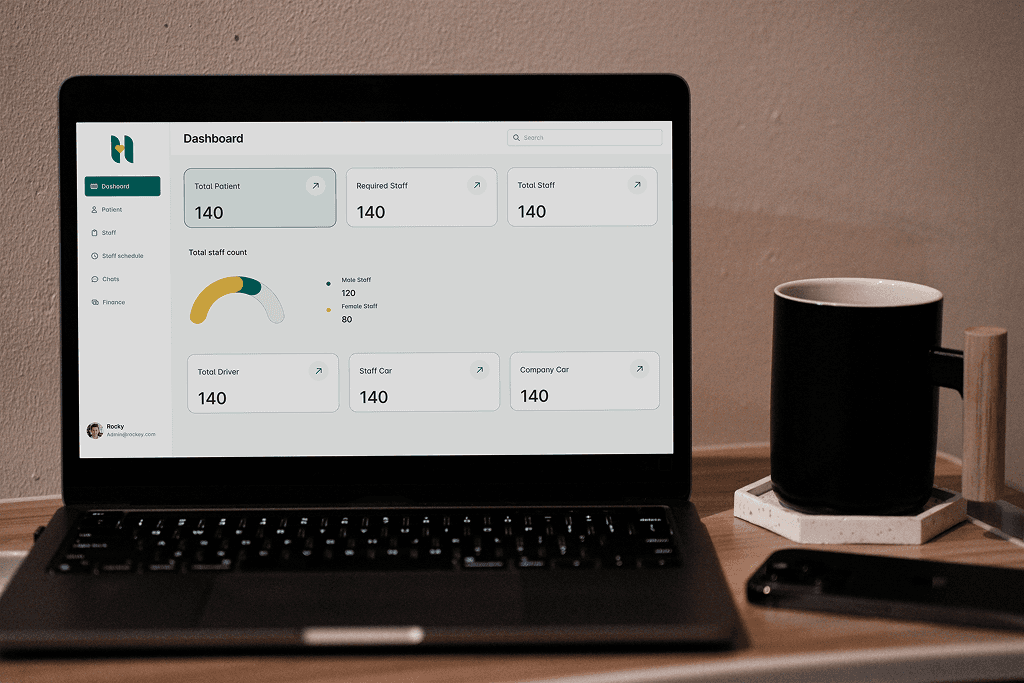
The project started with understanding the healthcare service model and daily workflows involved in providing in-home patient care. I worked closely with stakeholders and internal teams to gather requirements for the admin panel, staff iPad app, and patient mobile app. This phase focused on identifying user roles, responsibilities, and critical touchpoints such as care scheduling, care plan execution, and patient feedback.

Stage 2. Design Strategy

Based on the insights gathered, I defined a design strategy focused on clarity, efficiency, and trust. The goal was to simplify care plan management, improve scheduling visibility, and ensure each user role had a clear, purpose-driven experience. I created a structured design roadmap, prioritizing critical usability fixes for immediate impact while planning scalable improvements for future releases.

Stage 3. Prototype Development

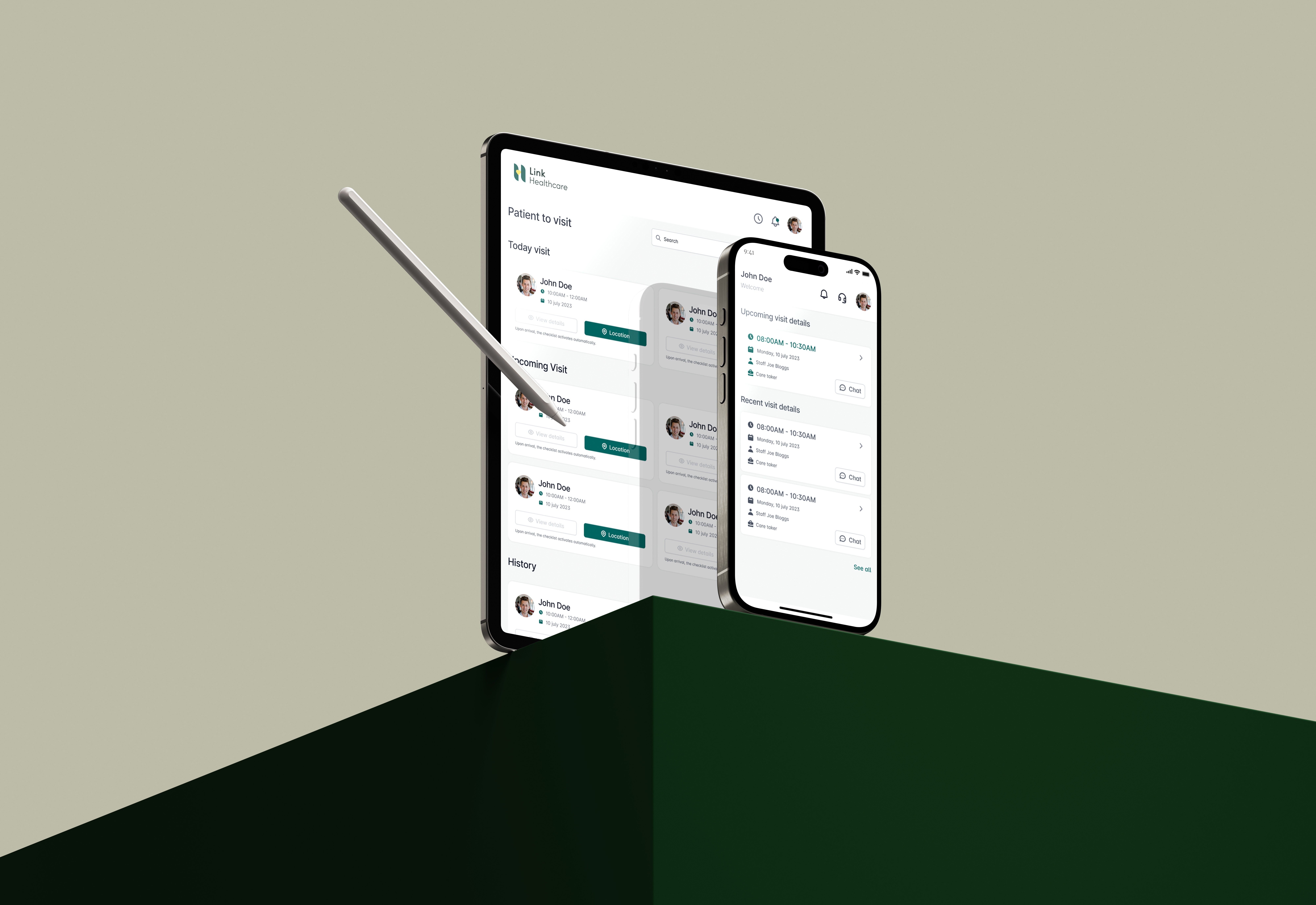
  • Wireframing: I designed core screens and user flows from scratch, mapping out how admins manage operations, how staff follow care plans during visits, and how patients track services and provide feedback. The wireframes prioritized clear navigation, minimal steps, and error-free task completion, especially important in a healthcare environment.


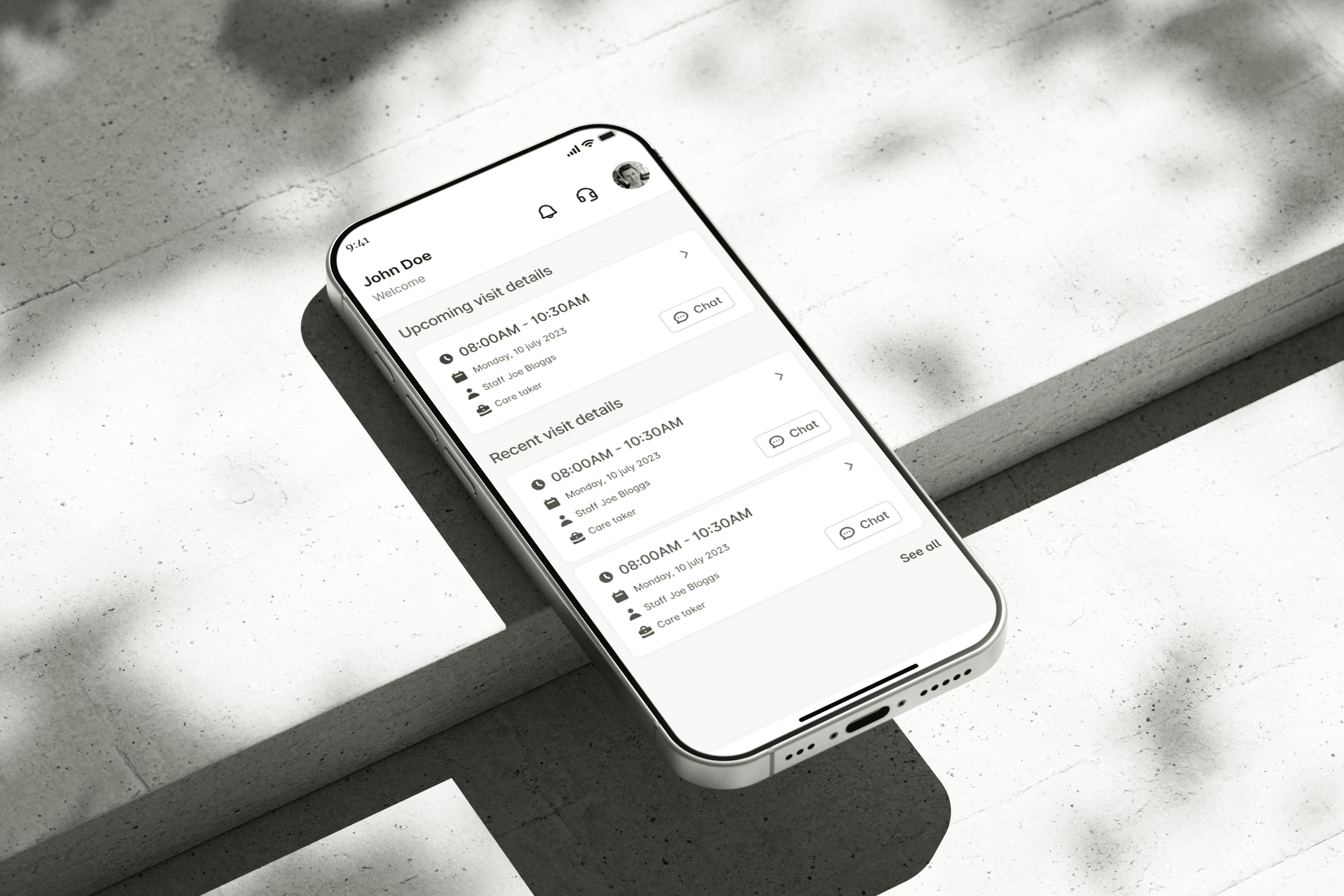
  • High-Fidelity Prototyping: Using Figma, I developed high-fidelity prototypes that represented real-life usage scenarios, including scheduling visits, completing care tasks, and monitoring patient progress. These prototypes helped align teams and validate flows before development.


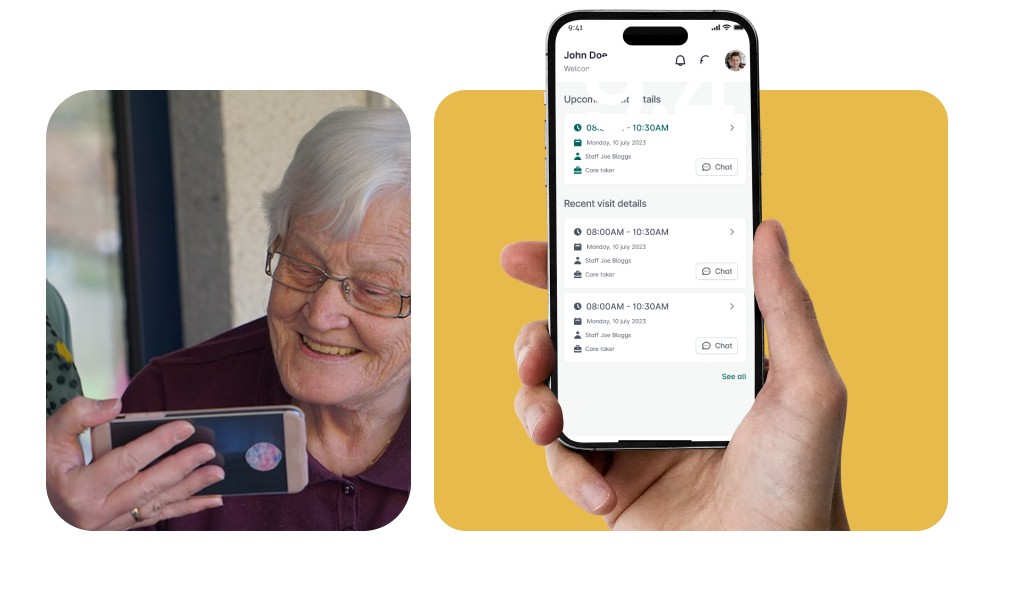
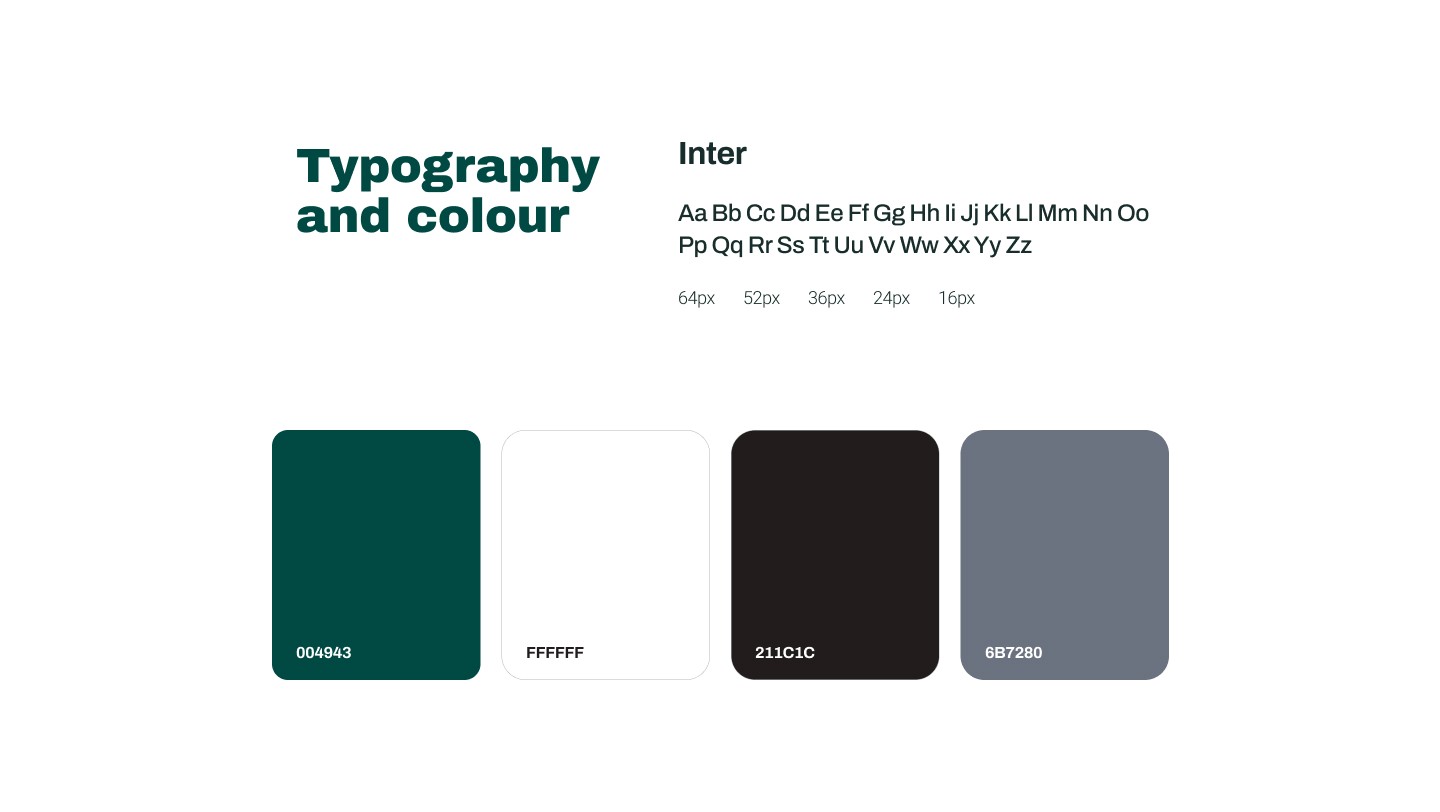
  • User Interface Design: The UI was designed to feel clean, calm, and trustworthy, reflecting the sensitivity of healthcare services. A consistent visual language, readable typography, and intuitive icons were used to ensure accessibility and ease of use for all user groups, including elderly patients and busy healthcare staff.

Stage 1. Discovery & Requirement Analysis

The project started with understanding the healthcare service model and daily workflows involved in providing in-home patient care. I worked closely with stakeholders and internal teams to gather requirements for the admin panel, staff iPad app, and patient mobile app. This phase focused on identifying user roles, responsibilities, and critical touchpoints such as care scheduling, care plan execution, and patient feedback.

Stage 2. Design Strategy

Based on the insights gathered, I defined a design strategy focused on clarity, efficiency, and trust. The goal was to simplify care plan management, improve scheduling visibility, and ensure each user role had a clear, purpose-driven experience. I created a structured design roadmap, prioritizing critical usability fixes for immediate impact while planning scalable improvements for future releases.

Stage 3. Prototype Development

  • Wireframing: I designed core screens and user flows from scratch, mapping out how admins manage operations, how staff follow care plans during visits, and how patients track services and provide feedback. The wireframes prioritized clear navigation, minimal steps, and error-free task completion, especially important in a healthcare environment.


  • High-Fidelity Prototyping: Using Figma, I developed high-fidelity prototypes that represented real-life usage scenarios, including scheduling visits, completing care tasks, and monitoring patient progress. These prototypes helped align teams and validate flows before development.


  • User Interface Design: The UI was designed to feel clean, calm, and trustworthy, reflecting the sensitivity of healthcare services. A consistent visual language, readable typography, and intuitive icons were used to ensure accessibility and ease of use for all user groups, including elderly patients and busy healthcare staff.

a cell phone on a bench
a cell phone on a ledge

Stage 4. User Feedback & Refinement

Conducted usability testing with internal stakeholders, healthcare staff, and early users to validate workflows and ensure the system supported real-world care scenarios. Feedback highlighted areas where clarity and speed were critical, especially during care plan execution and patient updates. Based on these insights, I iteratively refined user flows, screen layouts, and micro-interactions to improve efficiency, reduce errors, and enhance overall usability

Stage 5. Implementation & Launch Support

Worked closely with developers throughout the implementation phase to ensure design accuracy and feasibility across the admin panel, staff iPad app, and patient mobile app. Provided continuous design support by clarifying flows, resolving edge cases, and making quick adjustments when needed. Post-launch, I reviewed user feedback and usage patterns to identify improvement opportunities and support future feature enhancements.
a cell phone leaning on a ledge
a black cellphone with a white letter on it
a cell phone on a table

Outcomes

Link Healthcare is live and in active use. The platform supports daily healthcare operations and continues to evolve through ongoing feedback, iterations, and feature enhancements.

Outcomes

Link Healthcare is live and in active use. The platform supports daily healthcare operations and continues to evolve through ongoing feedback, iterations, and feature enhancements.

Other projects

Create a free website with Framer, the website builder loved by startups, designers and agencies.